


What is YouPro?
YouPro is a cloud-native video studio for creators. Upscale footage to 4K/8K, compress without quality loss, browse 1,500+ scene packs, and apply cinematic effects, all in the browser, no local render queue.

For TikTok and YouTube editors
Download any link as an MP4, upscale to 4K, compress to the size you need, grade with real After Effects presets, and grab free scene packs. All in your browser, watermark-free, with nothing to install.
See it in a minute
Short tours of the Media Converter, Color Correction and Quick Share, filmed in the real app. Press play for sound.
Five tools, before and after
Each tool below is shown the same way: what you bring on one side of the line, what YouPro hands back on the other. Every picture is a real input and a real result.
Video downloader
Paste a link from TikTok, YouTube, Instagram, X, Reddit, Twitch, or Vimeo and download a clean MP4. No watermark, no popup ads, nothing to install. Only need the sound? Save it as an MP3.
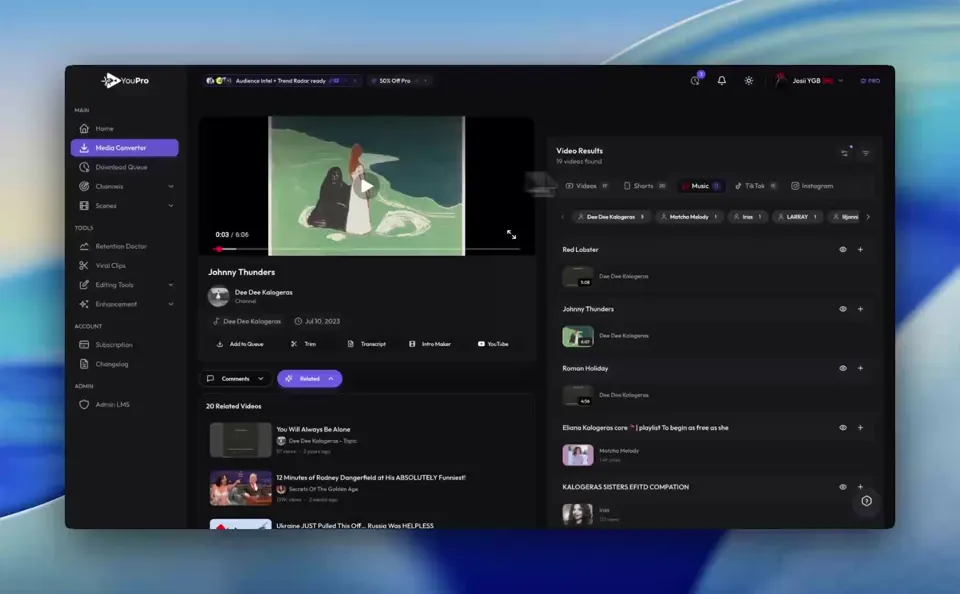
AI video upscaler
Old clip, low-res source, or a soft screen recording? Upscale it to 4K or 8K with AI. Faces, textures, and text come back sharp, and the export is watermark-free on every plan.

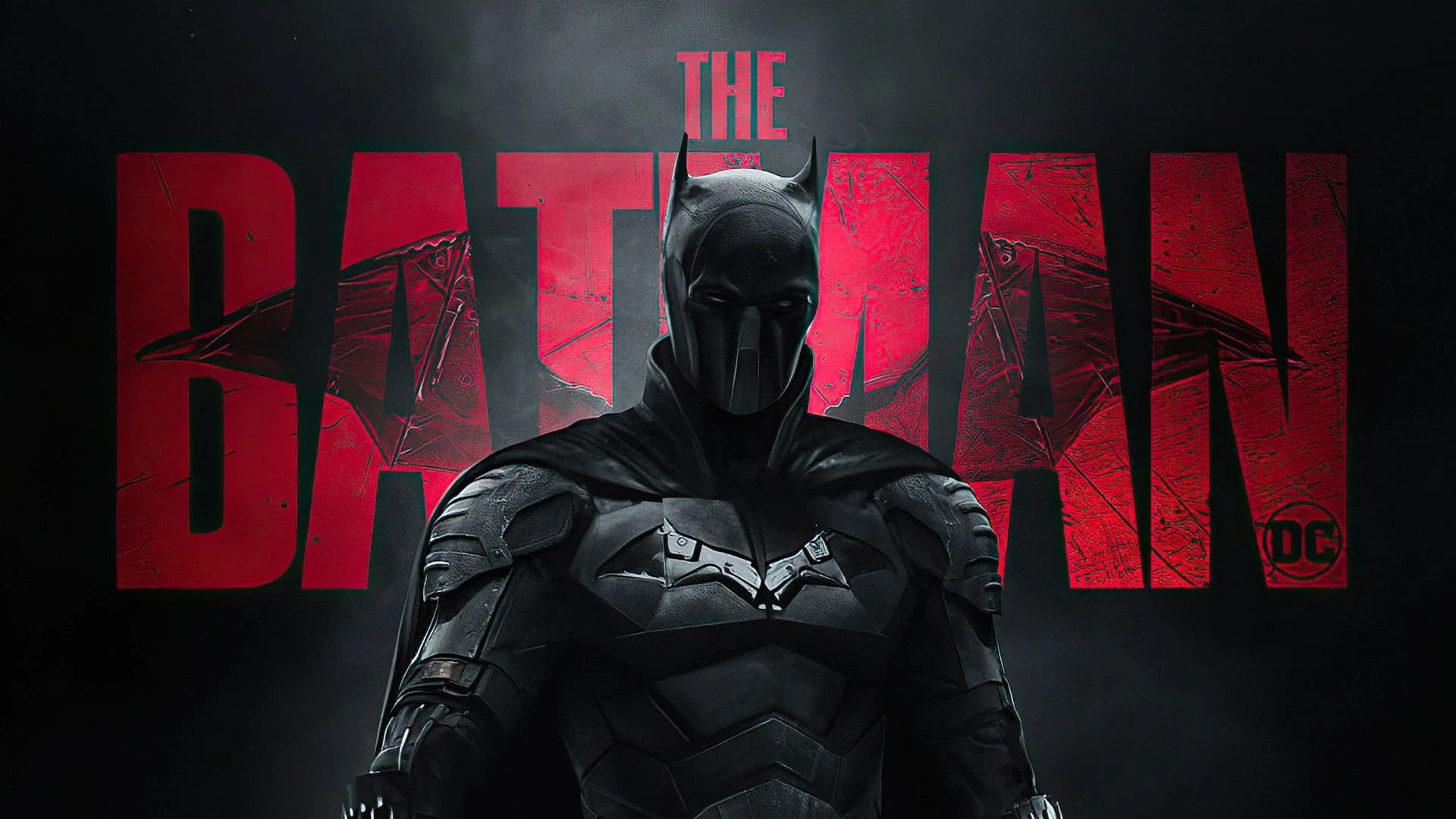
Video compressor
Pick a target and the compressor fits your video under it: 10 MB for Discord, 16 MB for WhatsApp, 25 MB for email. Posting instead of sending? Use the presets built for Instagram and TikTok. No watermark, nothing to install.
Beforeyour-edit.mp4
Too big to send
Color correction
Pick a look and get your clip back graded. Every look is a real After Effects preset rendered on our machines, so you get the grade without owning the software. Want the raw presets for your own edits? Grab them from the free effects library, or read up on cinematic color grading.
 AfterAquaman CC
 BeforeSource
Scene packs
Search a movie, show, anime, or game and download its scene pack: clean clips for your next edit. Most packs are 1080p HD and some are 4K, all without a watermark. Over 1,500 packs, free to browse, with the full list in the scene pack directory.
Before

More tools
Fresh from the archive
Free to download, no watermark, ready for your next edit.
Questions
What it is, what it costs, and what comes in the box.
YouPro is a cloud-native video studio for creators. Upscale footage to 4K/8K, compress without quality loss, browse 1,500+ scene packs, and apply cinematic effects, all in the browser, no local render queue.
Yes. Every account gets 3 color corrections a day and 1 Topaz video enhancement every 30 days, plus free compression and scene pack downloads. Starter raises color corrections to 10 a day and stays at 1080p. Starter and Pro both include 12 video enhancements a month. Pro adds unlimited color corrections, can reach 8K output, and adds priority cloud queues.
No. YouPro runs in your browser. Processing happens on our cloud GPUs. Results download as watermark-free MP4, PNG, or ZIP files you own outright.
Never. On any plan. The things you make here are yours.
Video upscaler, compressor, scene pack library, image upscaler, color correction, viral clip finder, After Effects overlays, audio isolation, and a Discord bot for communities.
YouTubers, TikTok editors, AMV creators, short-form producers. Anyone tired of local render queues or paying per-feature.
Your upload is encrypted in transit, processed on GPU workers, and deleted 24 hours after completion. We never train models on your footage.
Free to start
Every account gets 3 color corrections a day and 1 Topaz video enhancement every 30 days. No watermark on any plan, nothing to install, and your uploads are deleted 24 hours after they finish.